Camera Controller Universal

Look Professional on Video Calls

Your laptop camera shows too much. Zoom in, reframe, and look your best — in any video call app, without buying new hardware.

Get it on the Microsoft Store Free trial — try every feature before you buy. $9.99 to unlock.
See the Difference

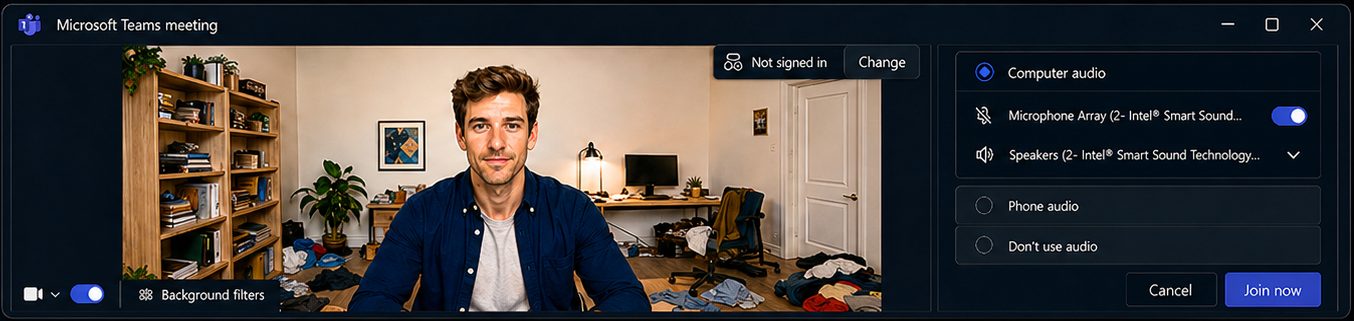
Before: wide-angle webcam showing cluttered background

Before — too wide, cluttered background

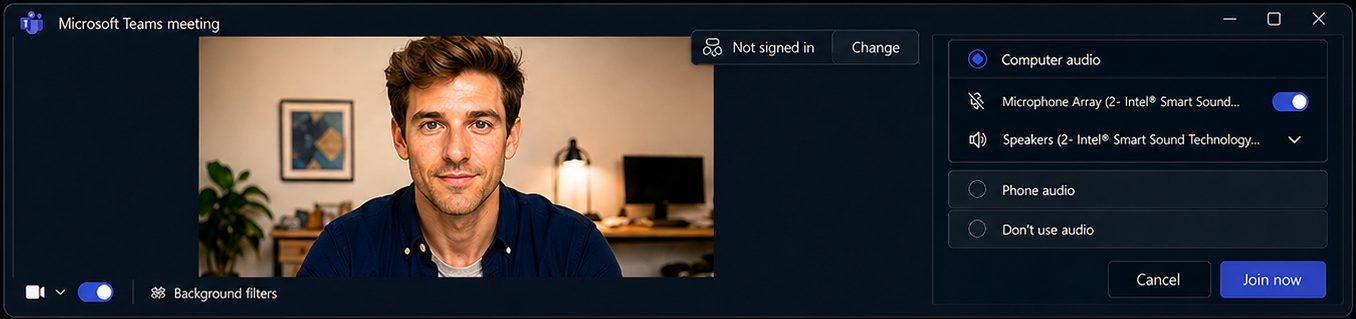
Use Camera Controller to zoom in and adjust contrast

Use Camera Controller — zoom in, fine-tune the picture

After: tighter framing, better contrast, professional look

After — tighter framing, better contrast, more professional

What It Does

Zoom In and Reframe

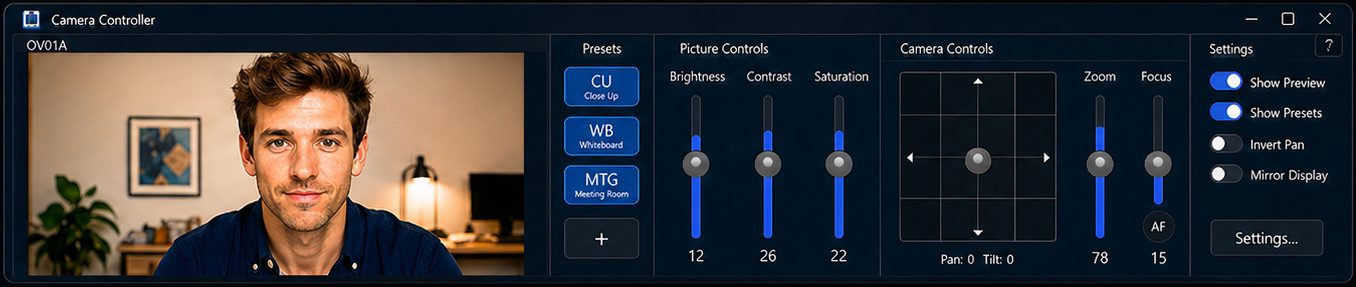
Crop out the clutter and the wide-angle distortion. Pan and tilt to center yourself perfectly — no more adjusting your laptop lid.

Works with Any Video Call App

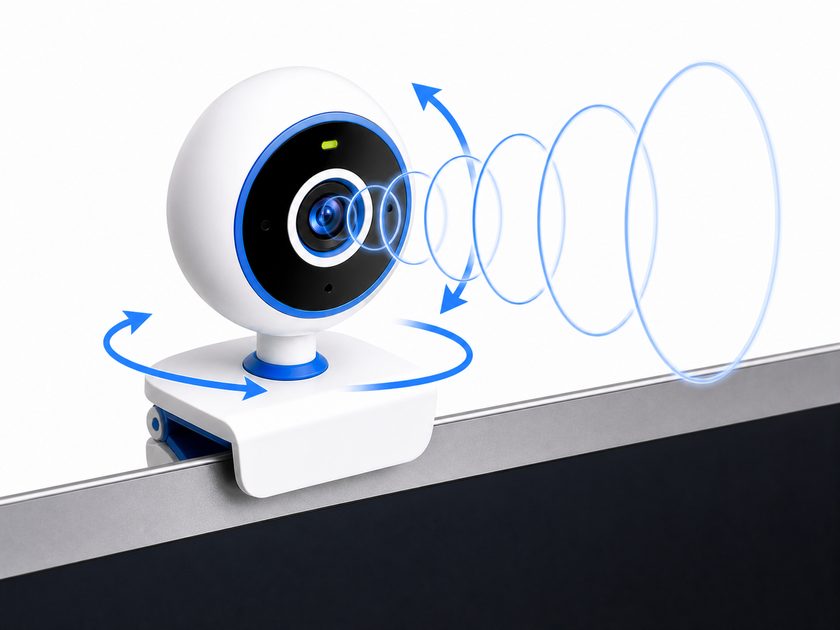
Teams, Zoom, Google Meet, Webex — Camera Controller adjusts your camera at the hardware level, so every app benefits automatically.

Fine-Tune Your Image

Adjust brightness, contrast, white balance, and all camera properties. Make fluorescent office lighting look natural.

Save Presets

Store camera positions and switch between "desk", "whiteboard", or "standing" with one click. Settings are remembered per camera.

Conference Room Cameras

Full motorized pan/tilt/zoom control for PTZ USB cameras. Native Logitech Rally and PTZ Pro 2 support — no expensive Tap controller needed.

Three Display Modes

Full window with live preview, a slim control bar alongside your video call, or a minimal preset-only switcher.

Works with Your Camera

Built-in laptop webcams and USB cameras from Lenovo, Dell, HP, Asus, Logitech, Microsoft, Poly, AVer, and many more. Also controls motorized USB cameras like Logitech Rally and PTZ Pro 2.

Requires Windows 11 version 24H2 or later.

Ready to Look Your Best?

Get it on the Microsoft Store Free trial — try every feature before you buy. $9.99 to unlock.